科学使用搜索引擎
-
逻辑与或非操作
+,-,OR -
文字通配
*:匹配任意字符。比如”Android *“可以搜索到 Android studio / Android UI等..(2个点 + 1个空格):区间通配。比如搜索2012-2016年就可以“2012.. 2016年”
-
搜索语法
- site: 指定搜索内容的网站
- type:
- filetype: 指定要搜索的文件类型,比如 harry potter filetype:pdf
-
想知道更多? Google:
google search tips
Markdown 使用
-
~~中划线~~:中划线 -
<u>下划线</u>:下划线 -
换行<br>:换
行 -
缩进:
1
2
3
4
I am head
<div style="margin-left: 1.5rem;">
I am Content
</div>
效果:I am head
I am Content -
图片制定宽高:
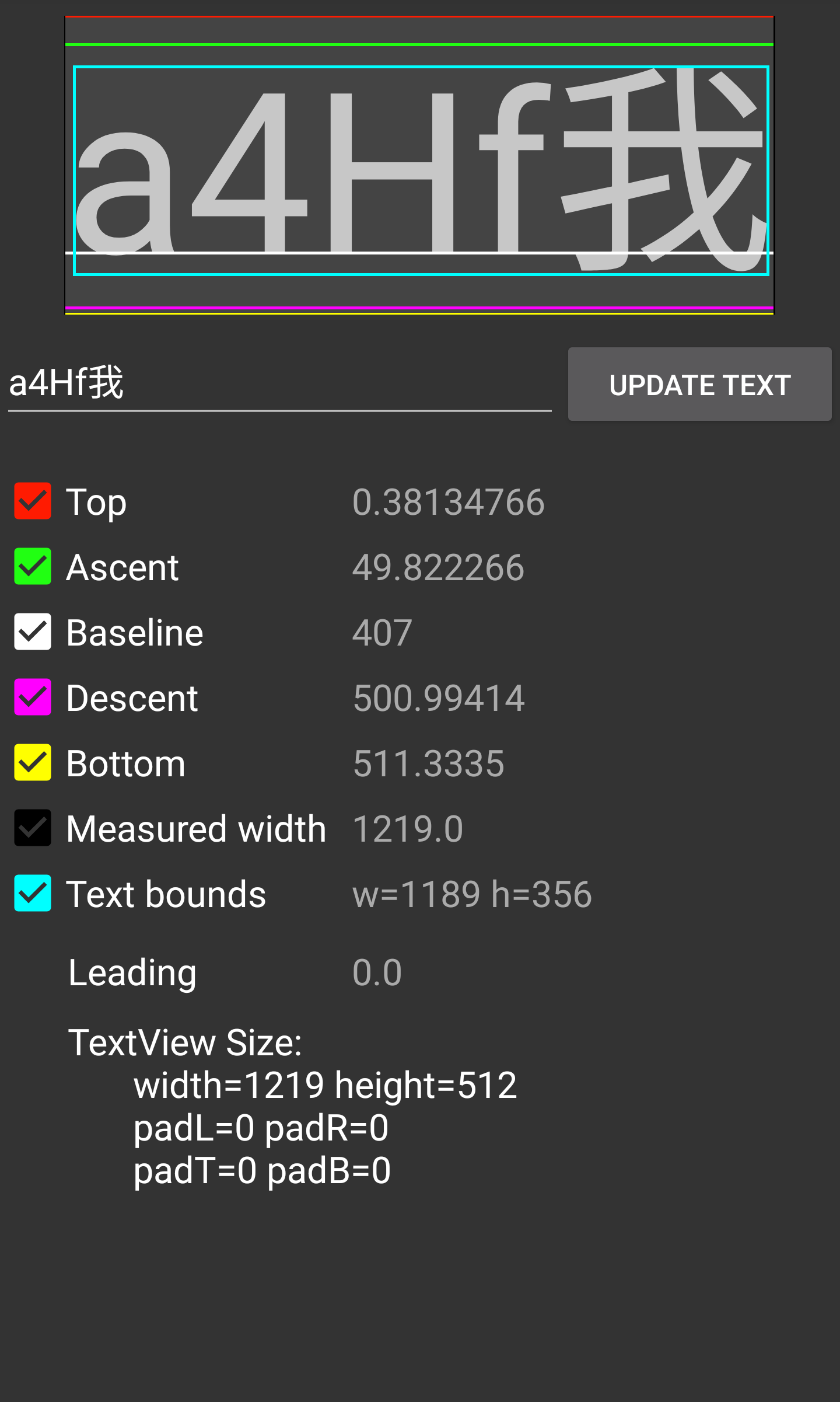{:width="10%"} -
画图表:文档
1
2
3
4
5
6
  <div class="mermaid">
  graph TD
  A[RecycleView] --> B(LayoutManager)
  A --> C(Item Animator)
  A --> D(Adapter)
  </div>
PPT 方案
- reveal.js: 在线编辑器: https://slides.com/
- impress.js: 编辑器: Strut
- 演说.io
Terminal 在线二维码
1
curl qrenco.de/HELLO_WORLD
Android 投屏到 Mac
- Genymobile/scrcpy: https://github.com/Genymobile/scrcpy
- ApowerMirror
文件传递
Icon 库
Shell 命令使用
- Shell 解释:explainshell
Chrome 效率
- 定位到地址栏:
⌘ + L - 清空输入内容:
⌘ + Delete - 下载页:
⌘ + Shift + J - 跳转到 To p / Bottom:
HOME/End
MagicMouse 卡滞延迟
- 系统偏好设置 → 通用 → 取消 “允许在这台Mac 和 iCloud 设备之间使用接力“